
Go Paperless! Enroll in Email-Only Statements
Want to receive your statements by email instead of paper mail? Update your communication preferences in the Smartwebs Resident Portal to enroll in email-only statements.
Follow the steps below to get started!
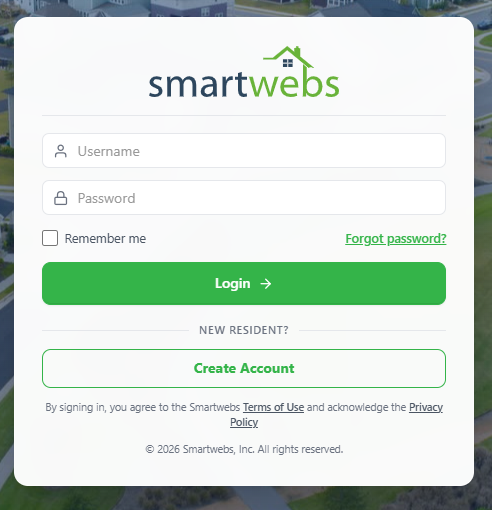
Step 1: Log In to the Resident Portal
Visit https://office.smartwebs.com/ and log in to your Smartwebs Resident Portal account.
Step 2: Locate My Profile
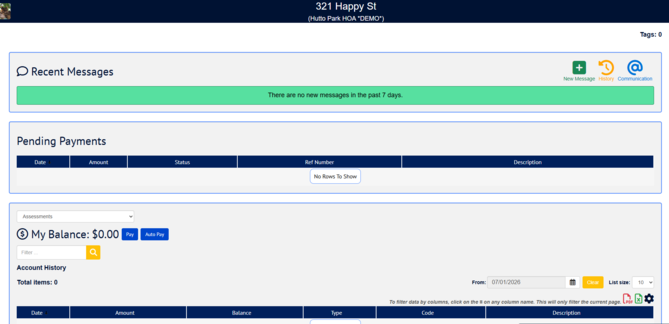
From the portal homepage: scroll down to the My Profile section.

Step 3: Edit Your Communication Preferences
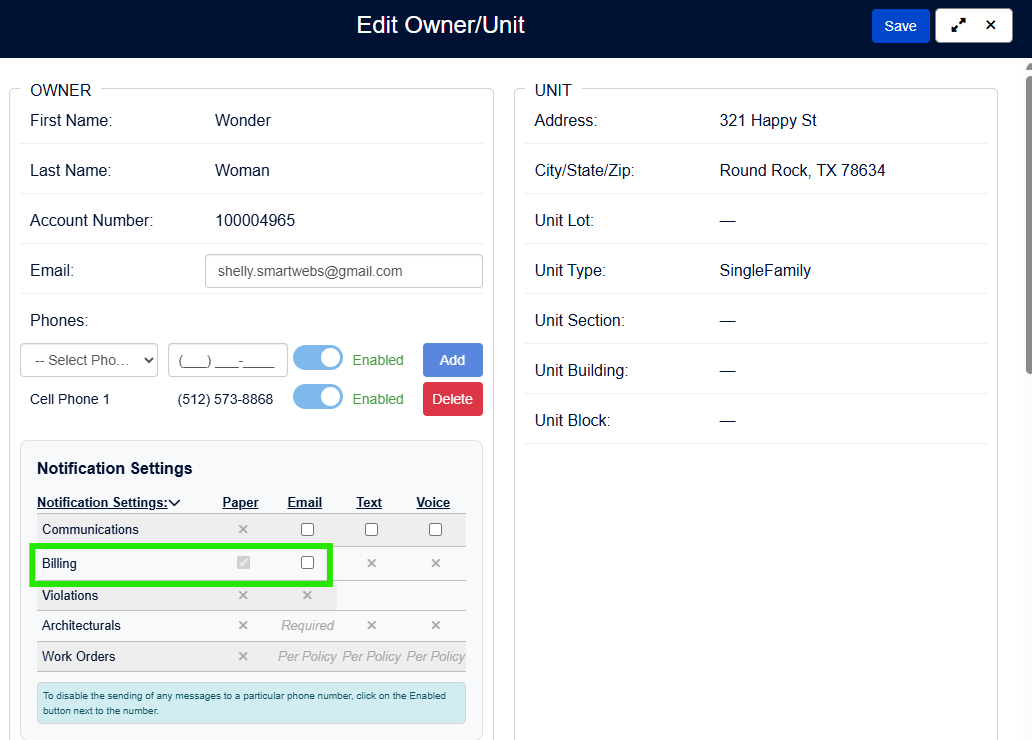
Click the pencil icon in the My Profile section to edit your Billing (Statements) and Communications preferences.
Step 4: Update Your Preferences
Update your Billing preference to Email and update your Communications preferences to Email and/or Text/Voice, if desired.
Remember to click Save!

You're all set! Thank you for helping reduce paper waste by choosing electronic statements.