Step 1: Search for the Association
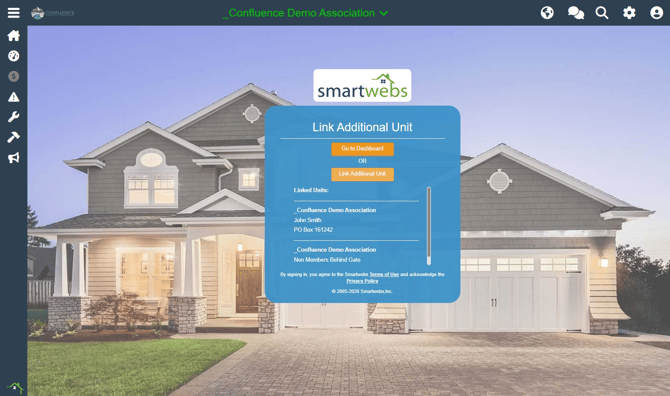
- Log into your Resident Portal.
- Click on your Address displayed in the middle of the screen.
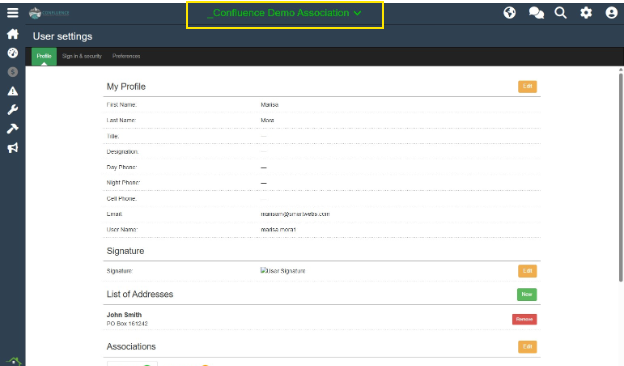
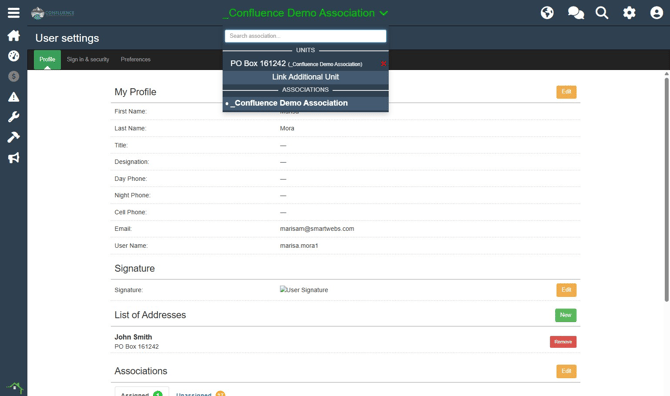
- Select Link Additional Unit.
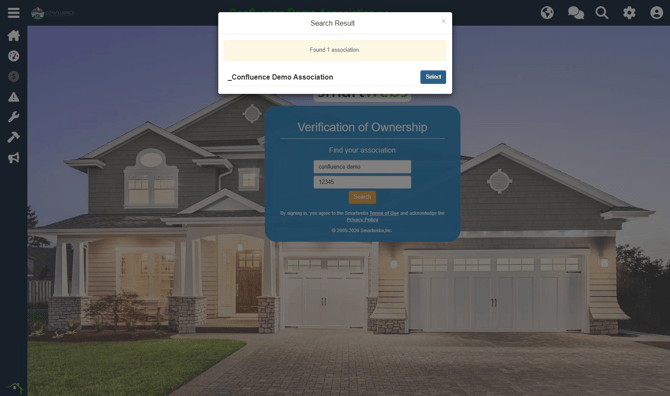
- Enter the Association Name and Zip Code, then click Search.
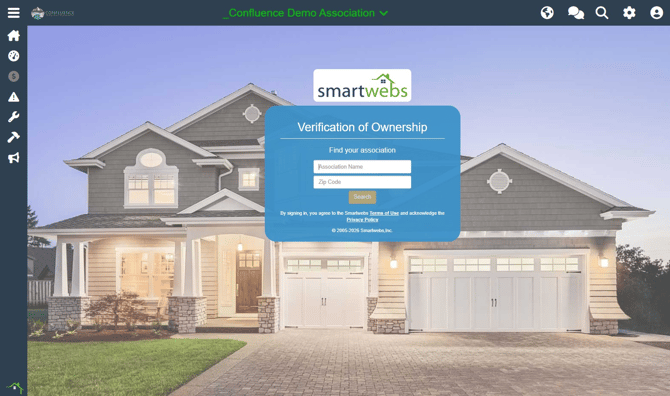
- Select your association from the results list.
Step 2: Locate Your Unit
- Enter your Last Name and at least 3 digits of the unit address.
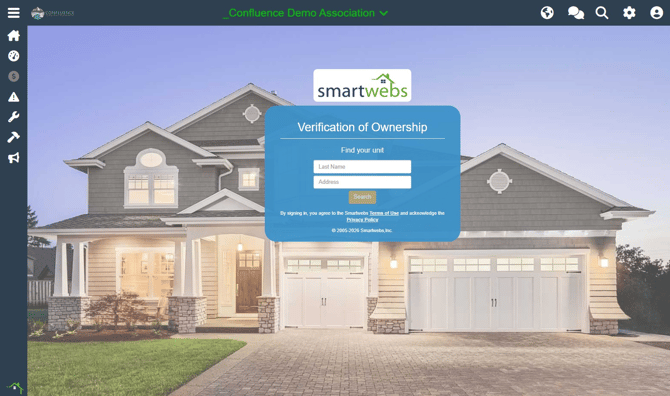
- Click Search.
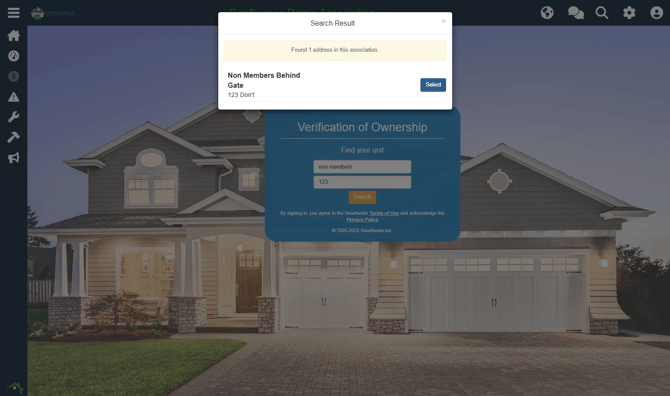
- Select your name/unit from the results list.
Step 3: Verify and Complete
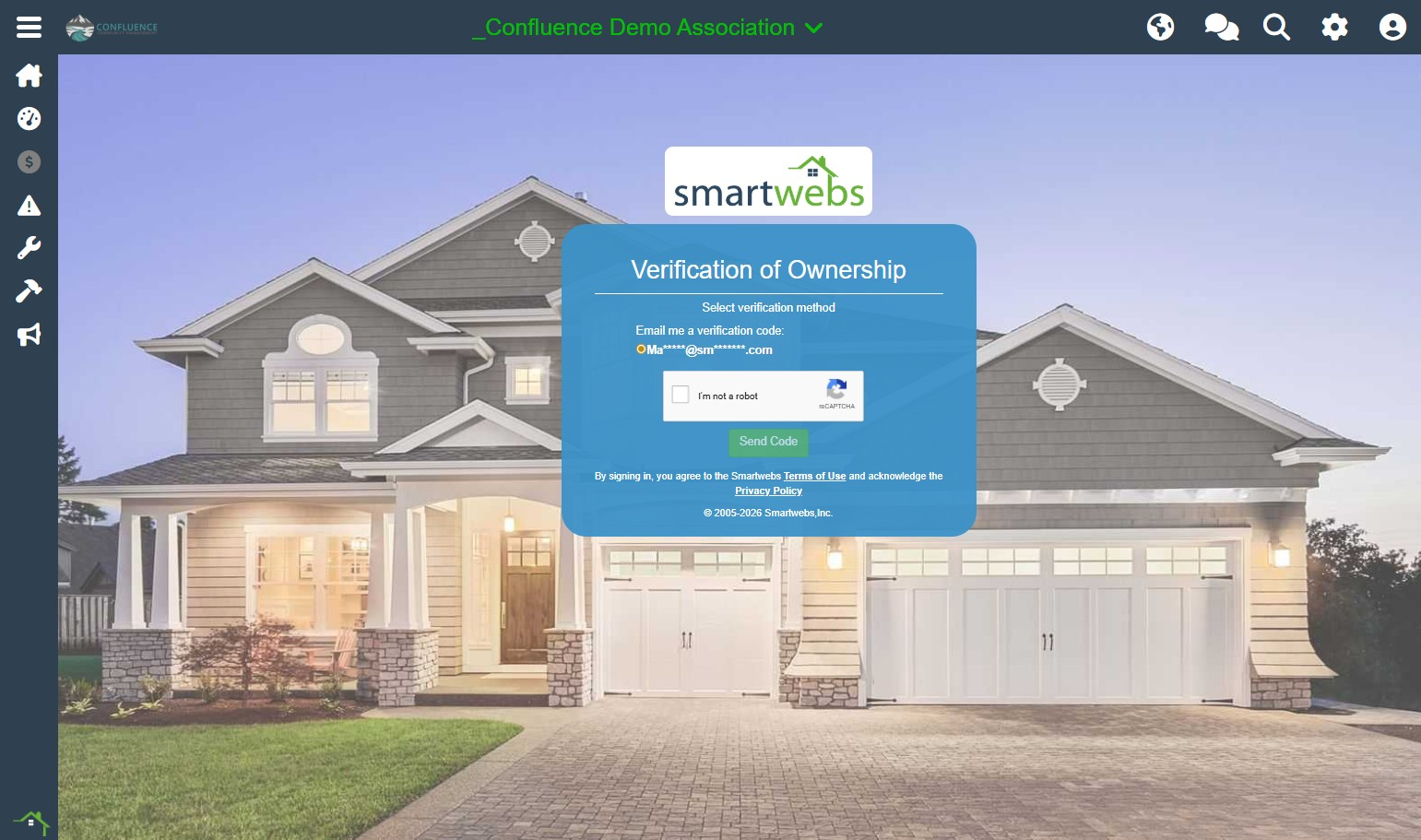
- Verify Ownership: Choose to receive a verification code via the email or phone number on file in Smartwebs.
⚠️ Note: For security purposes, if you do not have a valid email or phone number on file, you will not be able to complete this process automatically. Please contact support for assistance.
- Once the verification is complete, you are all set! You can choose to Link More Units or click Go to Dashboard to view your account.