Refunds for past owners doesn't follow the typical refund process. Instead, you'll follow these steps:
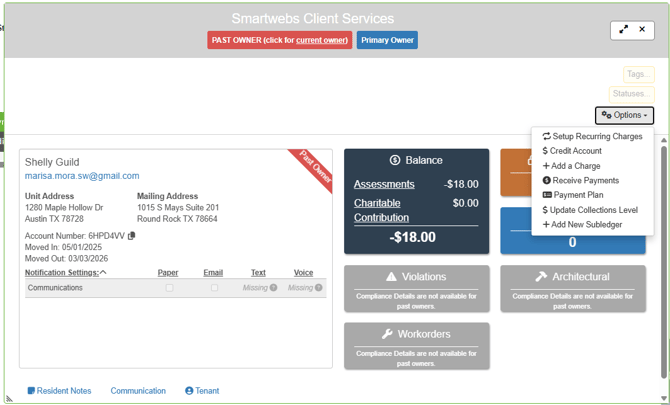
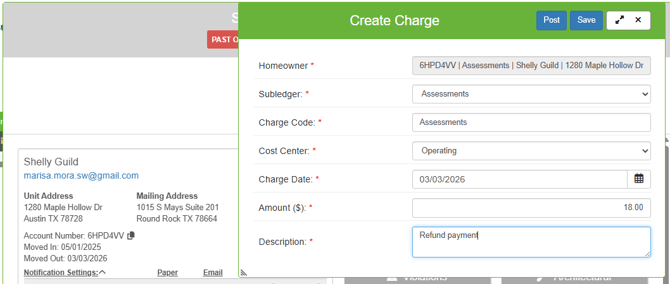
1. Create a charge on the past owner account by opening up the past owner and clikcing Options > Add a Charge.
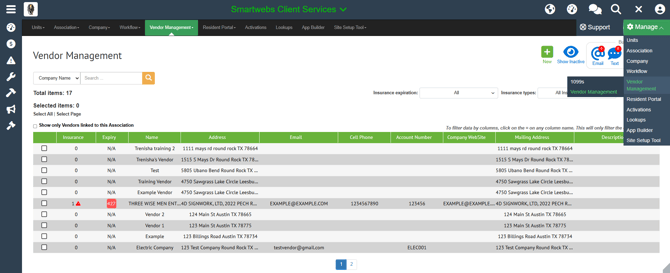
2. Add past owner as vendor by navigating to Manage > Vendor Management > Vendor Management and clicking the New button.
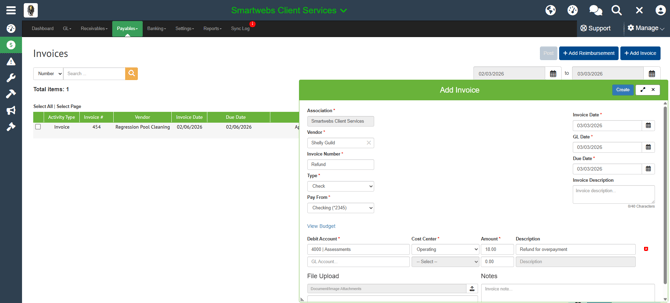
3. Create an invoice. Accounting > Payables > Invoices. Click Add Invoice. You will use the revenue GL that is associated to the charge code you used as the expense GL for the payment.
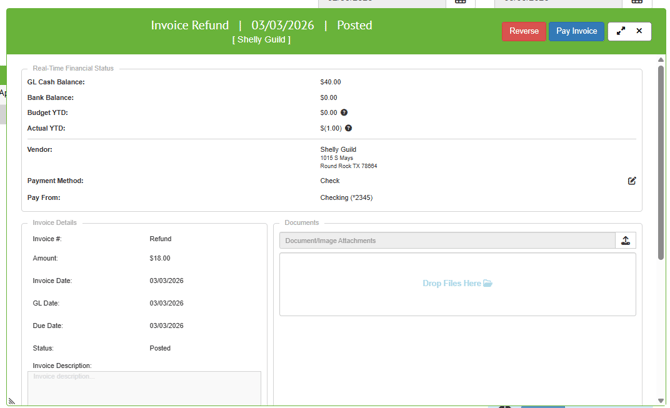
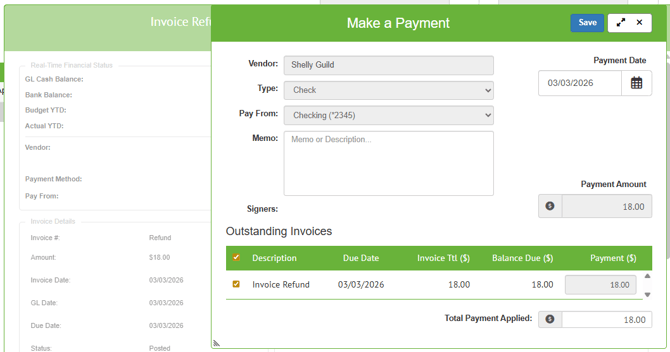
Click Pay Invoice.
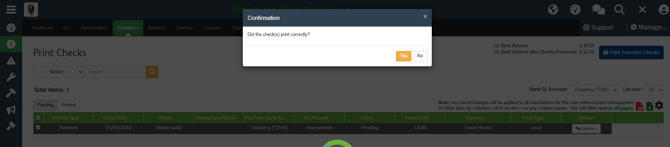
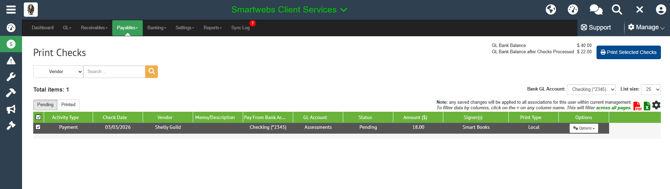
4. Go to Payables > Checks. Select the check to print and click Print Selected Check.
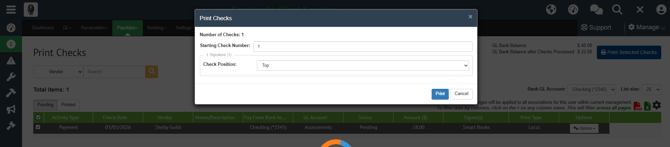
Confirm check settings and click Print.
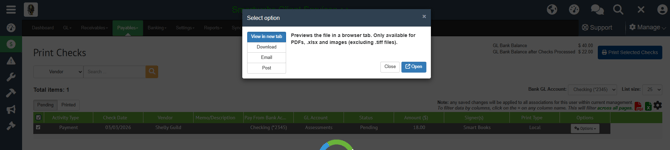
Click Open to open check in a PDF to print.
If check printed correctly, click Yes.