
How Do I Manage a "Must Fix" Violation?
A violation is marked as Must Fix when it is assigned to a category or subcategory configured with the Must Fix setting. To remove the Must Fix flag, update the violation to a different category or subcategory.
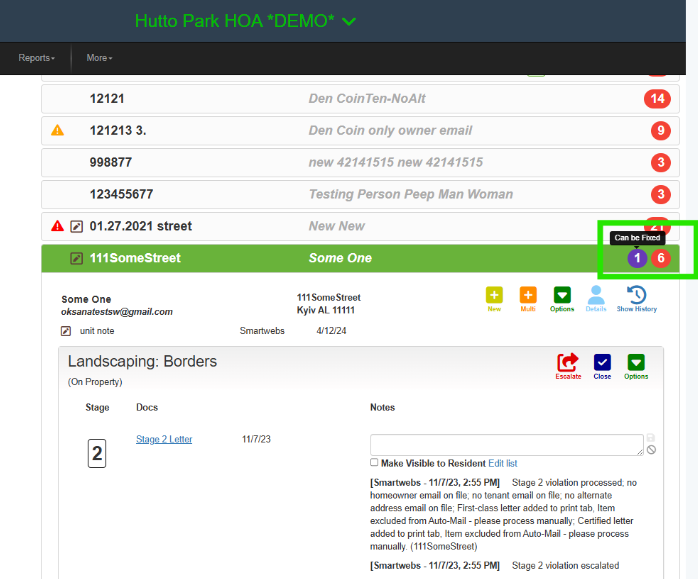
1. Open the violation. The number of Must Fix violations on a unit is displayed in purple and includes the Can Be Fixed tooltip.
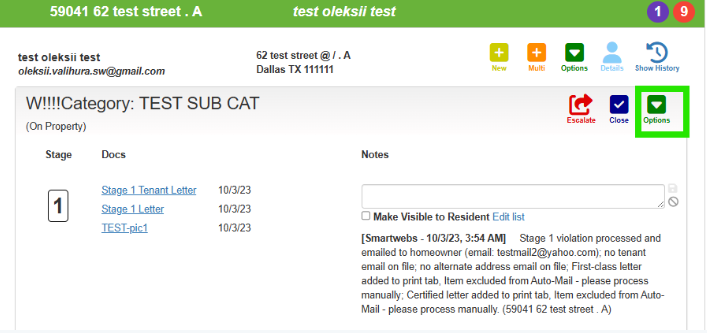
2. Click Options within the violation drawer.
3. Select the desired category or subcategory from the dropdown menu.
4. Click Save.
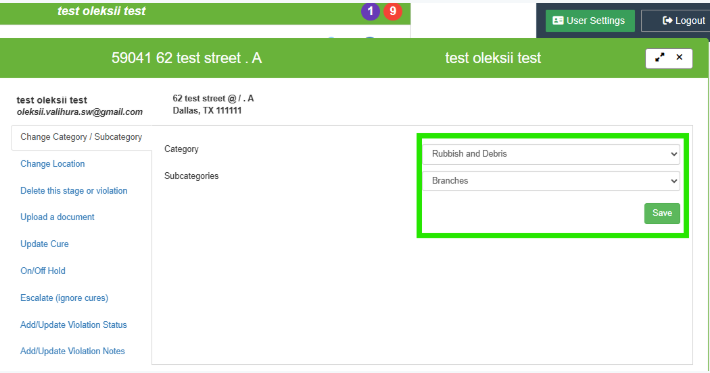
The violation will be updated to the selected category or subcategory, and the Must Fix flag will be removed.
End of FAQ